Memory for Your AI Assistants _
> Persistent Agent memory that just works!
> Your AI remembers conversations, learns patterns, grows smarter
> Simple config. Sensible defaults. Local-first. Privacy by default.
Cloud Backend coming mid-December — memory across all your environments
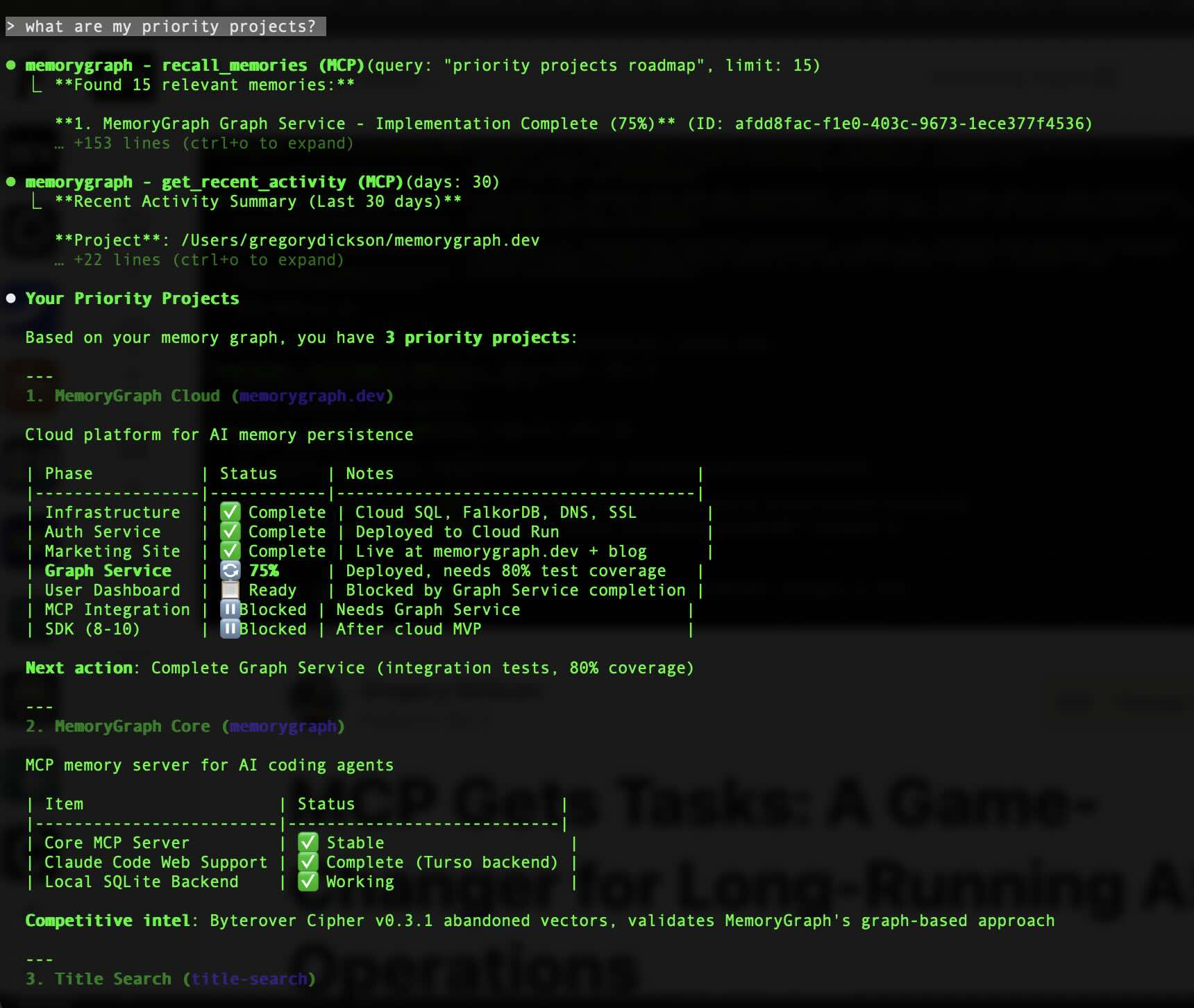
Memory is stored and recalled automatically as you work
Or explicitly store and recall important solutions
See it in action
// QUICKSTART
> Get started in under a minute
Simple setup with local storage. No external dependencies.
# Install
pipx install memorygraphMCP

# Add to Claude Code
claude mcp add memorygraph memorygraph

# Configure memory directives (important!)
# Add to ~/.claude/CLAUDE.md
Configure memory directives to enable automatic storage.
Embedded graph database with native Cypher queries. No server needed.
# Install with FalkorDBLite
pipx install "memorygraphMCP[falkordblite]"

# Configure backend
export MEMORYGRAPH_BACKEND=falkordblite

# Add to Claude Code
claude mcp add memorygraph memorygraphHigh-performance graph database for production deployments.
# Run FalkorDB via Docker
docker run -d -p 6379:6379 falkordb/falkordb

# Install with FalkorDB client
pipx install "memorygraphMCP[falkordb]"

# Configure backend
export MEMORYGRAPH_BACKEND=falkordb
export MEMORYGRAPH_FALKORDB_URL=redis://localhost:6379

# Add to Claude Code
claude mcp add memorygraph memorygraph
Pro tip: Install the Claude Code plugin for auto-invoked skills and slash commands: /plugin install memory-graph/memorygraph-plugin Learn more →
// CORE_FUNCTIONS
> MCP tools that give your AI persistent memory
store_memory(
  type="solution",
  title="Redis timeout fix",
  tags=["redis", "timeout"]
)
Capture solutions, patterns, decisions. Your AI builds a knowledge base from every interaction.
recall_memories(
  query="timeout solutions",
  memory_types=["solution"]
)
Fuzzy search with semantic matching. Find relevant context even with imprecise queries.
create_relationship(
  from="problem_123",
  to="solution_456",
  type="SOLVES"
)
Link problems to solutions, causes to effects. Build a knowledge graph, not just a list.
get_related_memories(
  memory_id="error_789",
  relationship_types=["CAUSES"]
)
Traverse the graph. Find what caused this, what solved that, what works with what.
> Traditional vector stores lose relationships between memories
> FalkorDB-powered graphs preserve causality and context
> Ask "What solves X?" not just "What's similar to X?"
> Cloud backend auto-discovers connections via similarity detection and transitive inference
// VALIDATED_BY_RESEARCH
"Agents remember what was said but not what was learned."
— Evo-Memory, Google DeepMind (Dec 2025)
// WHY_DEEP_MEMORY_MATTERS
Ablation studies clearly show that the depth of the memory architecture is crucial. Modules with deeper memories consistently achieve lower perplexity... and exhibit better scaling properties.— Google Research, Titans (December 2025)
// DATA_PORTABILITY
> Your data. Your choice. No lock-in.
Migrate between any backend with full verification and rollback. Start local, scale to cloud, or move between providers—your memories follow you.
Backend Migration
Move memories between SQLite, Neo4j, Memgraph, FalkorDB, and more with a single command.
Verified Transfers
Automatic validation ensures every memory and relationship transfers correctly.
Safe Rollback
If anything fails, automatic rollback protects your data. Always test with --dry-run first.
Export Anywhere
Export to JSON anytime. Your data is never trapped in a proprietary format.
// CLOUD_SYNC
Share memories across environments, devices, and teams with our managed cloud backend.
// PRICING_PLANS
> Start free. Scale as you grow. No hidden fees.
- [✓] 100,000 memories
- [✓] Advanced search
- [✓] Graph visualization
- [✓] API access
- [✓] Priority support
- [✓] 500,000 memories
- [✓] Advanced search
- [✓] Graph visualization
- [✓] API access
- [✓] Priority support
- [✓] Unlimited memories
- [✓] Up to 10 users
- [✓] Team workspaces
- [✓] SSO & SAML
- [✓] Dedicated support
> Self-hosting available. Open source MCP server is free forever.
// FAQ
> man memorygraph